How to Book a FlowTelehealth Appointment: A Step-by-Step Guide
As a dedicated male fertility health service, we are here to provide the answers and expert guidance you need in a convenient and secure format.
Here’s how to get started in 5 easy steps:
Step 1: Sign up
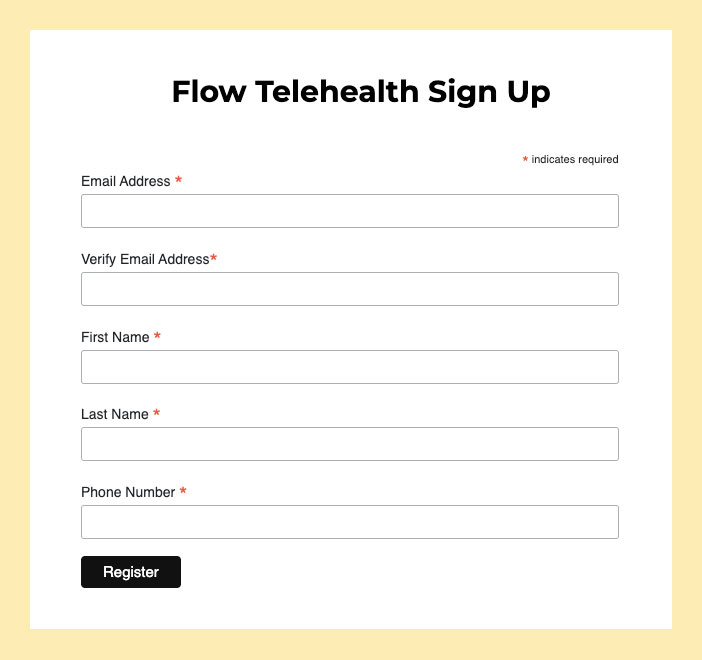
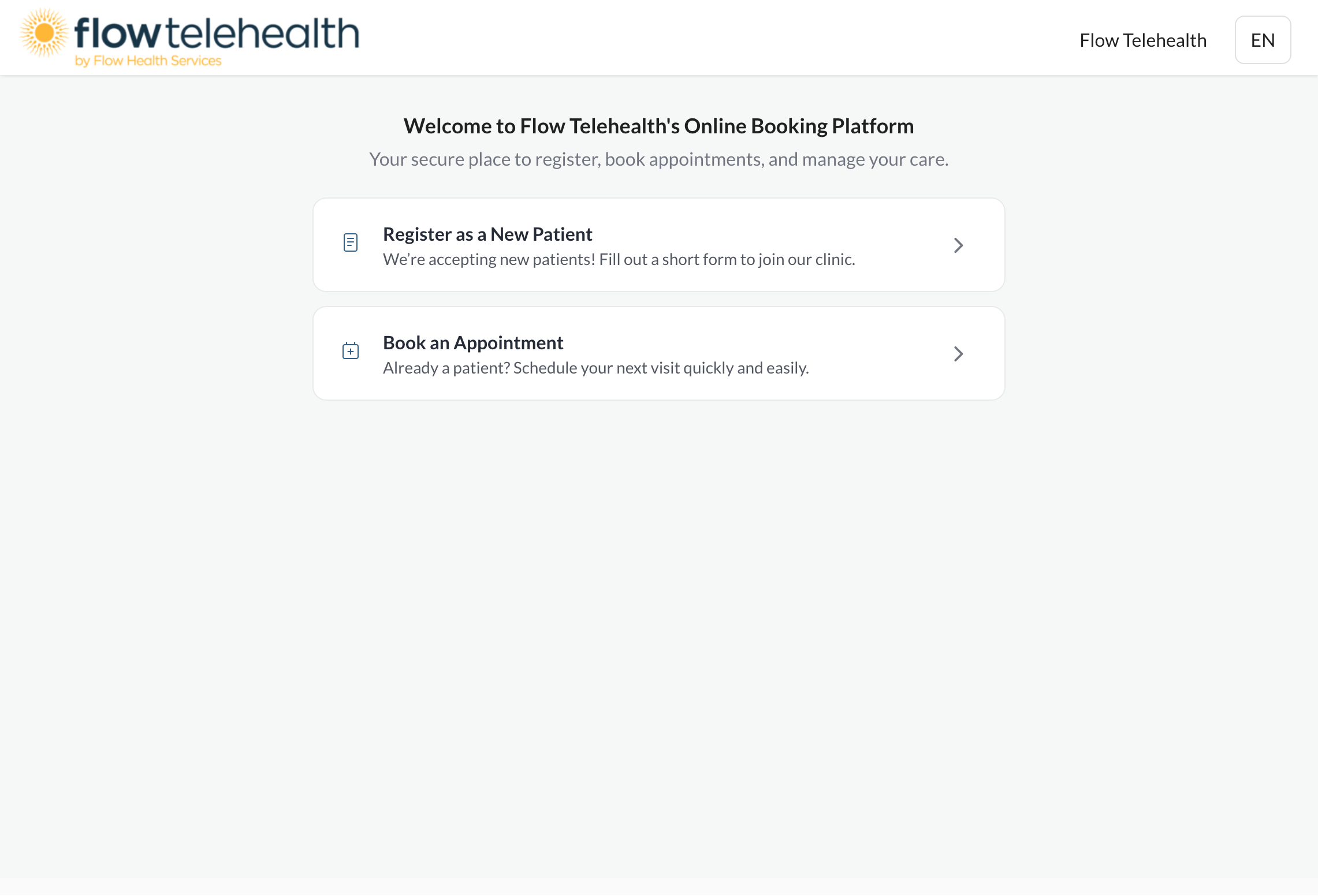
Click the “Start Here” button in the top right corner, then click “Sign Up Now.” Simply fill in your email, first name, last name, and phone number to get started.
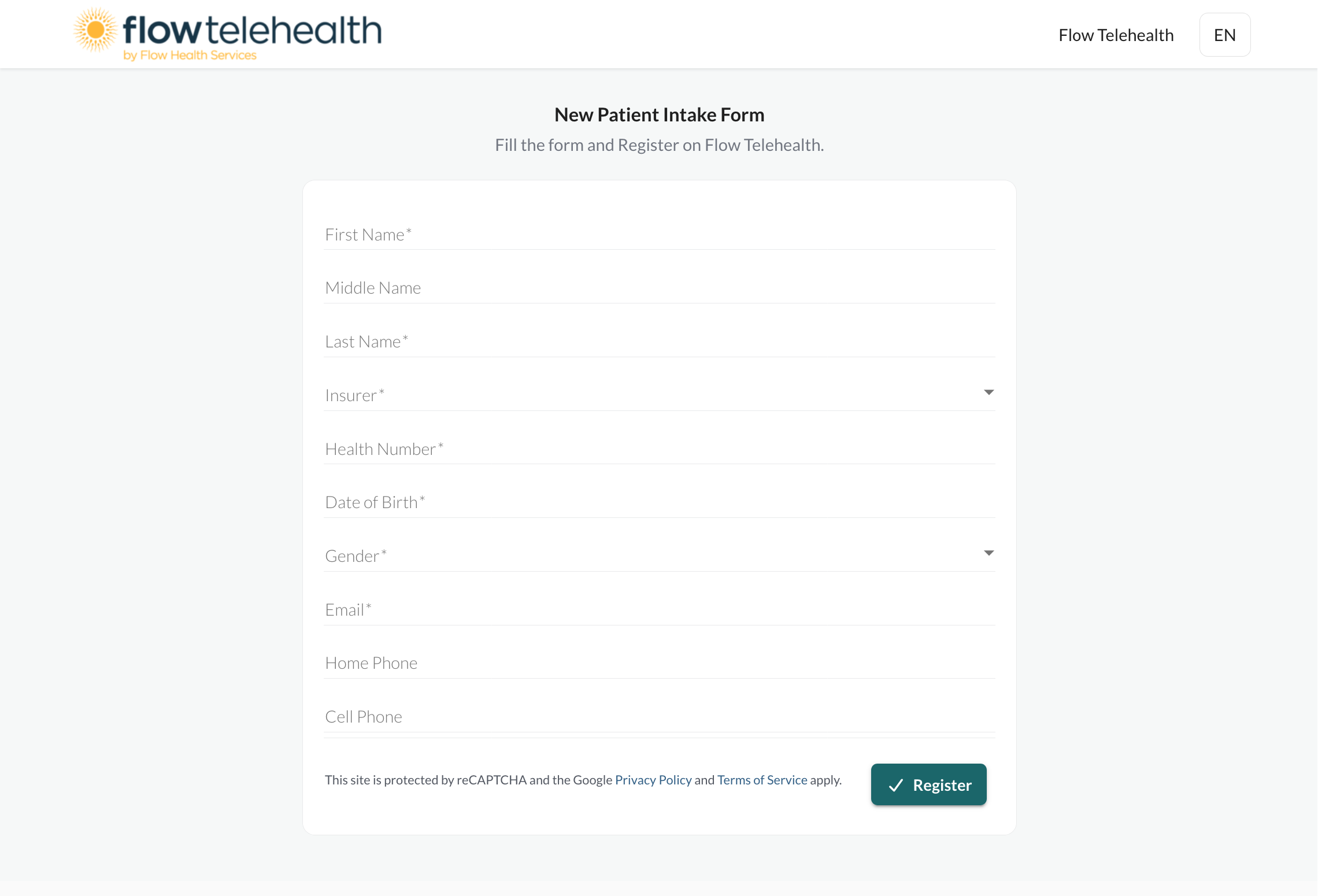
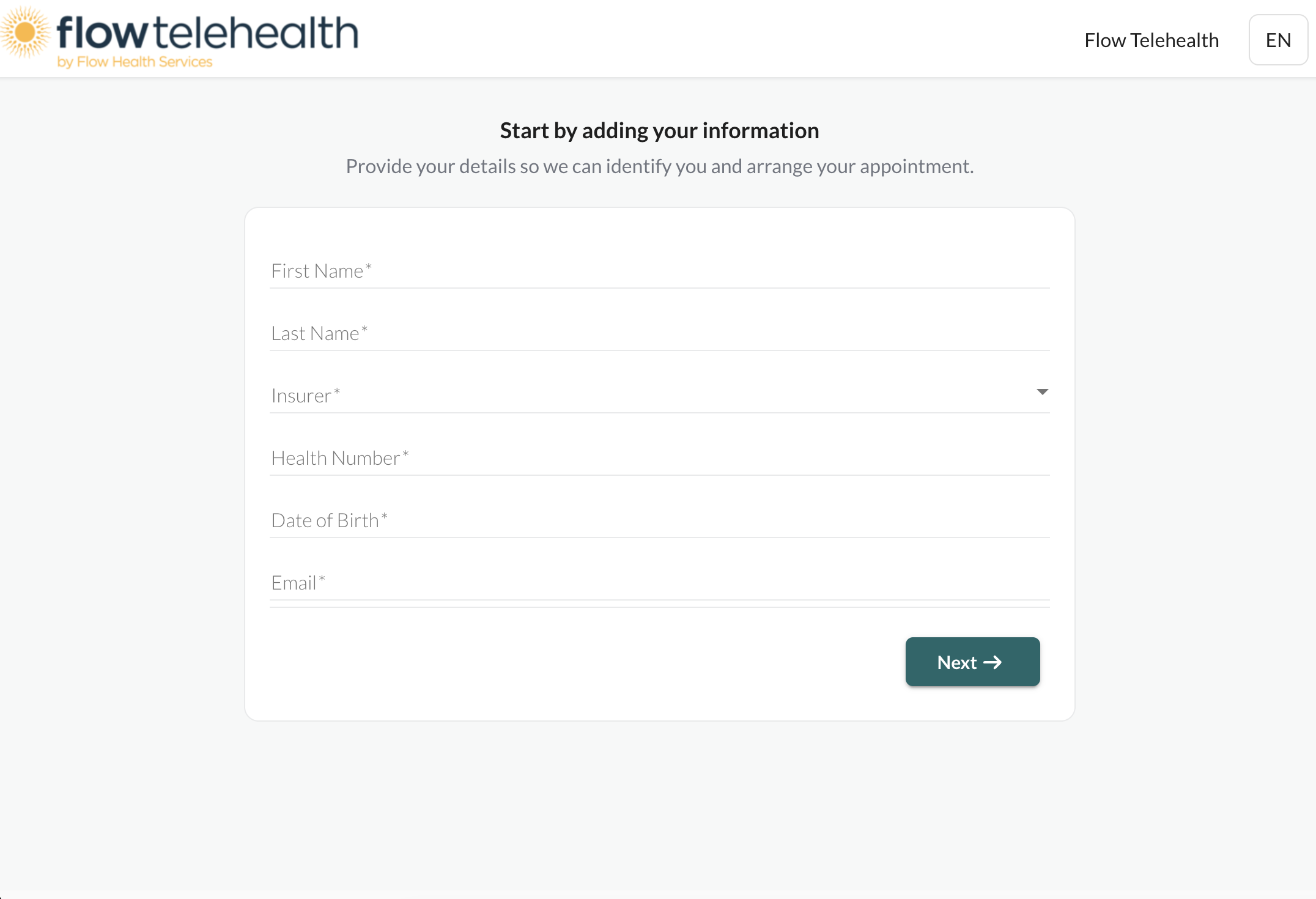
To book an appointment, you’ll need to fill out our New Patient Intake Form and provide your personal details, including your provincial health card number. Only the fields marked with an asterisk (*) are required.
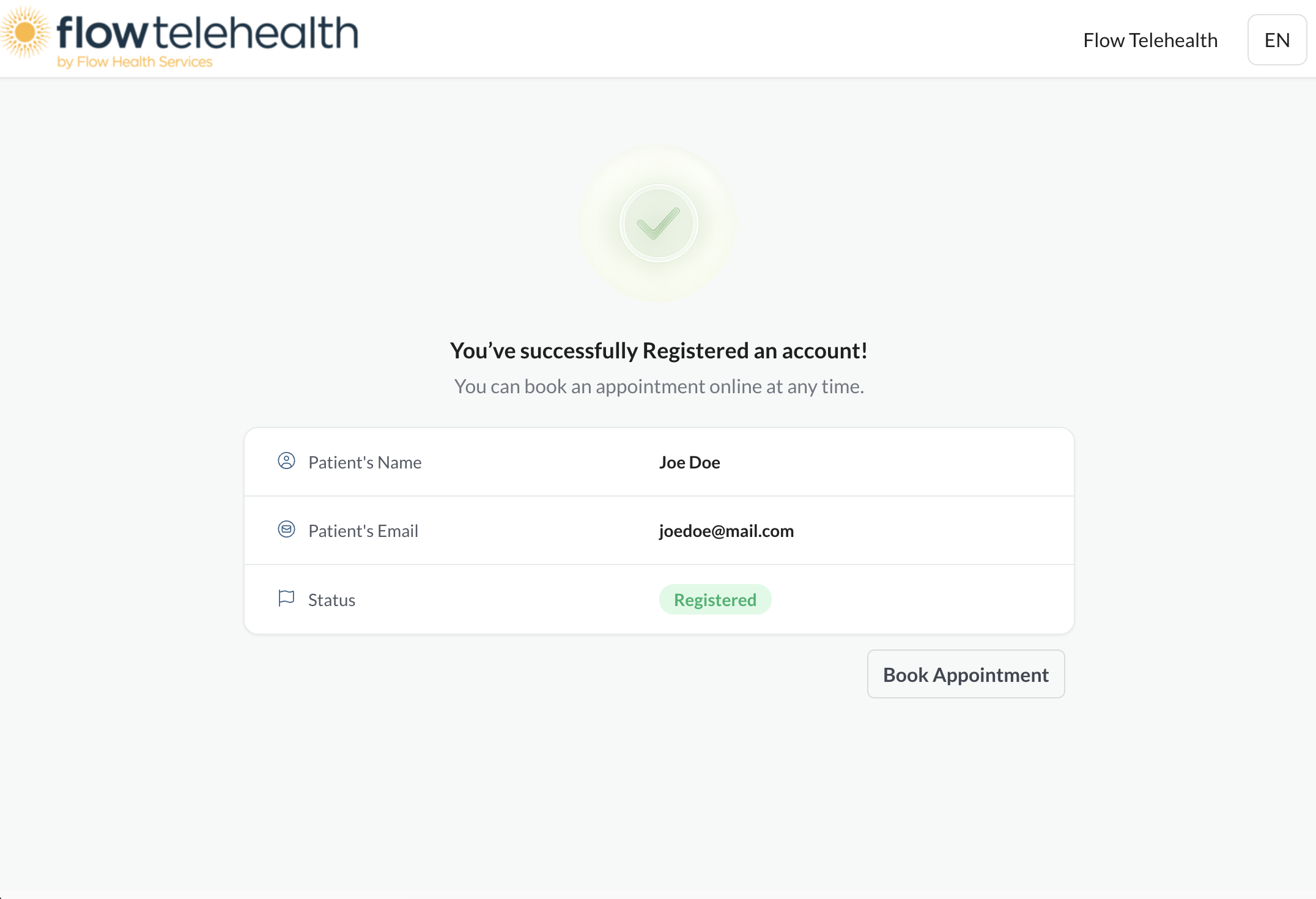
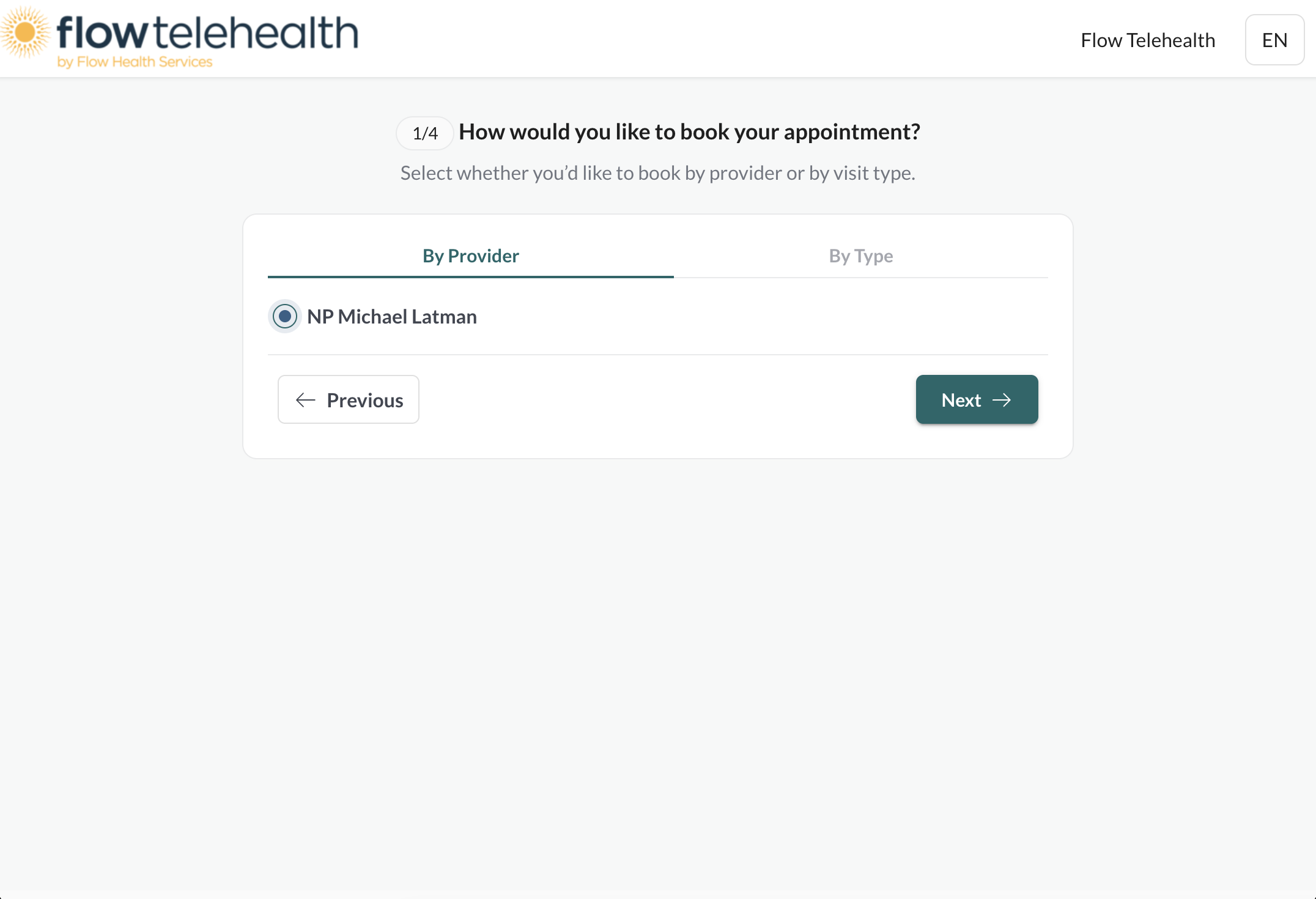
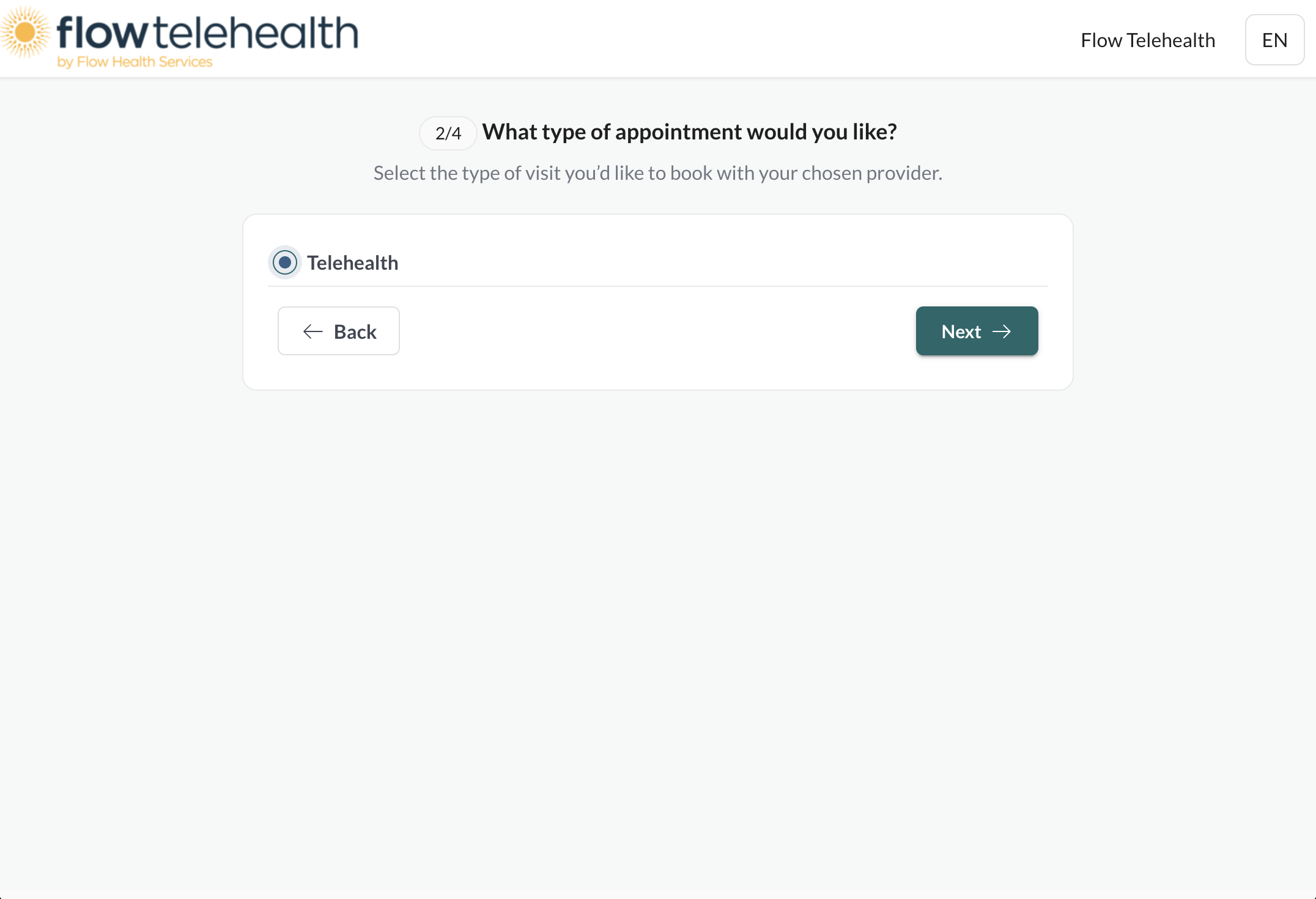
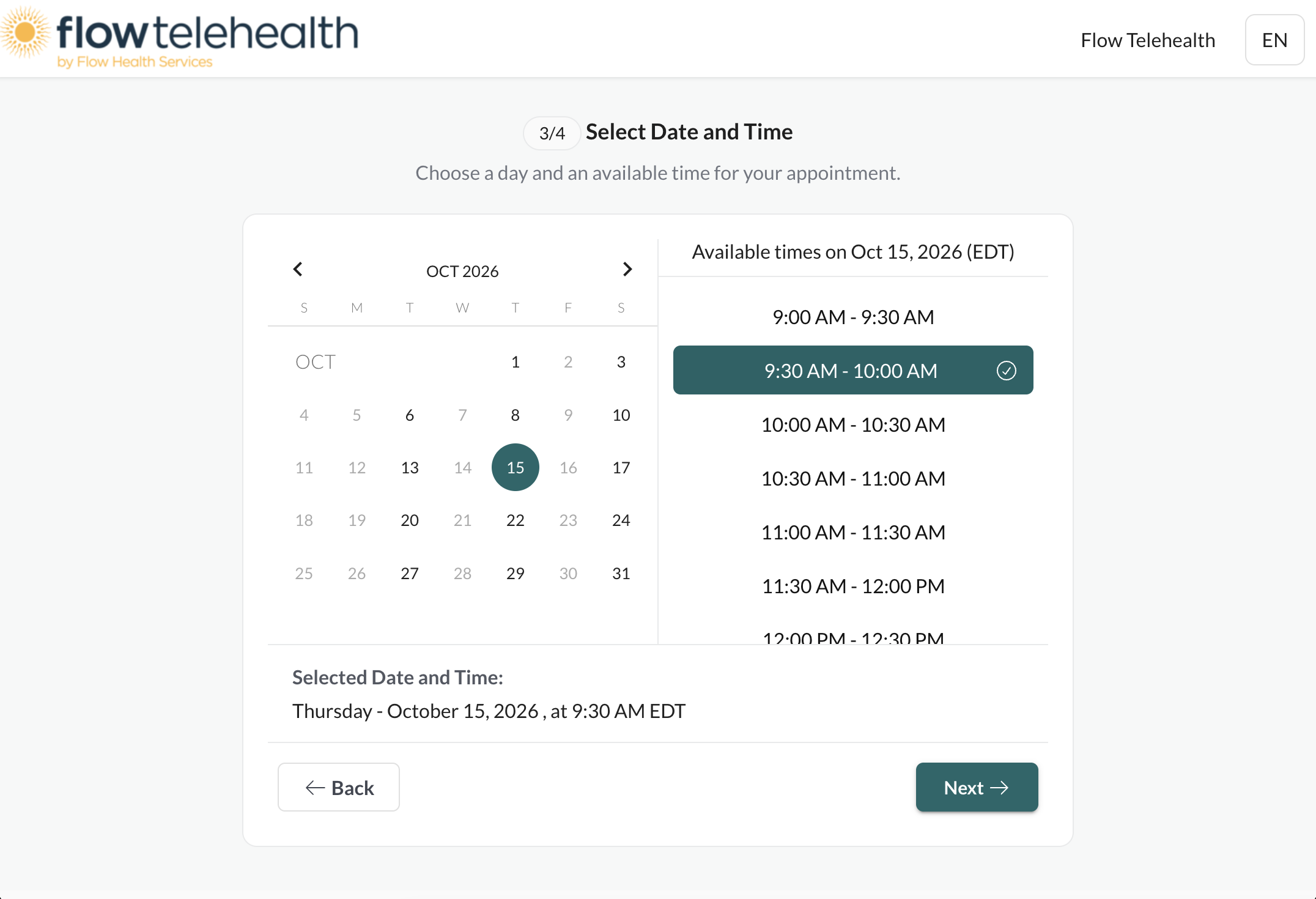
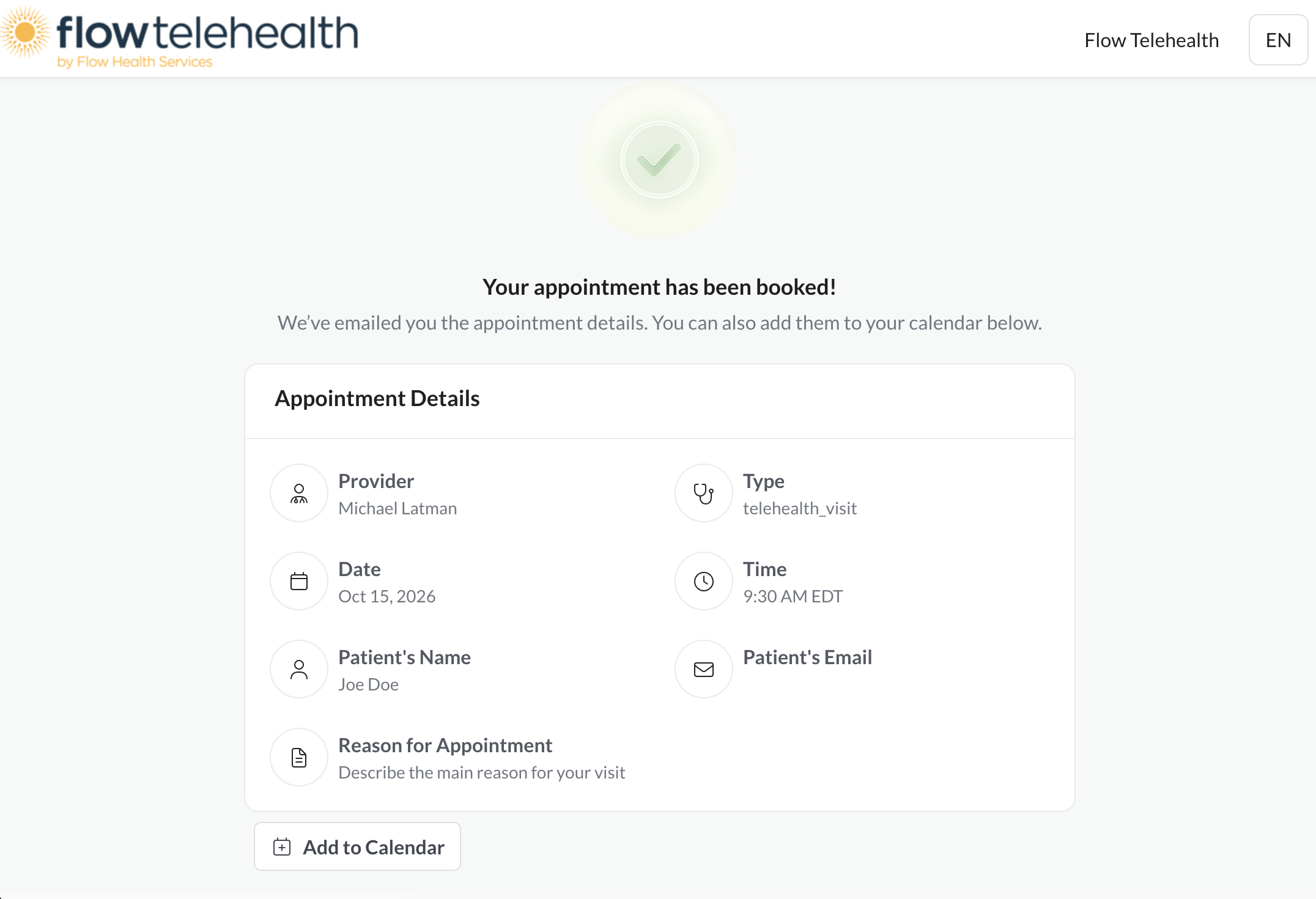
On the “Success!” page, simply click “Book Appointment” and choose an available date and time.
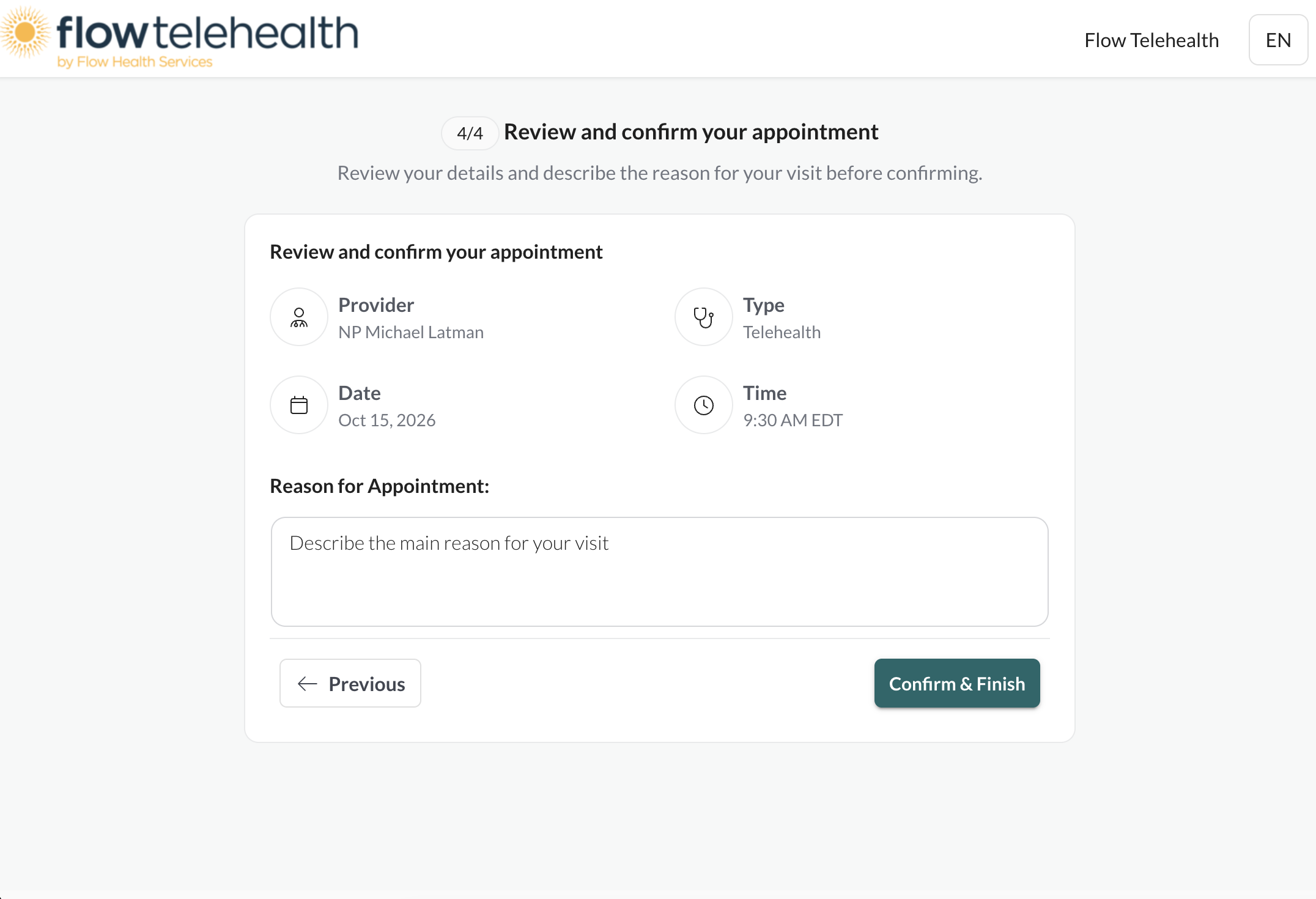
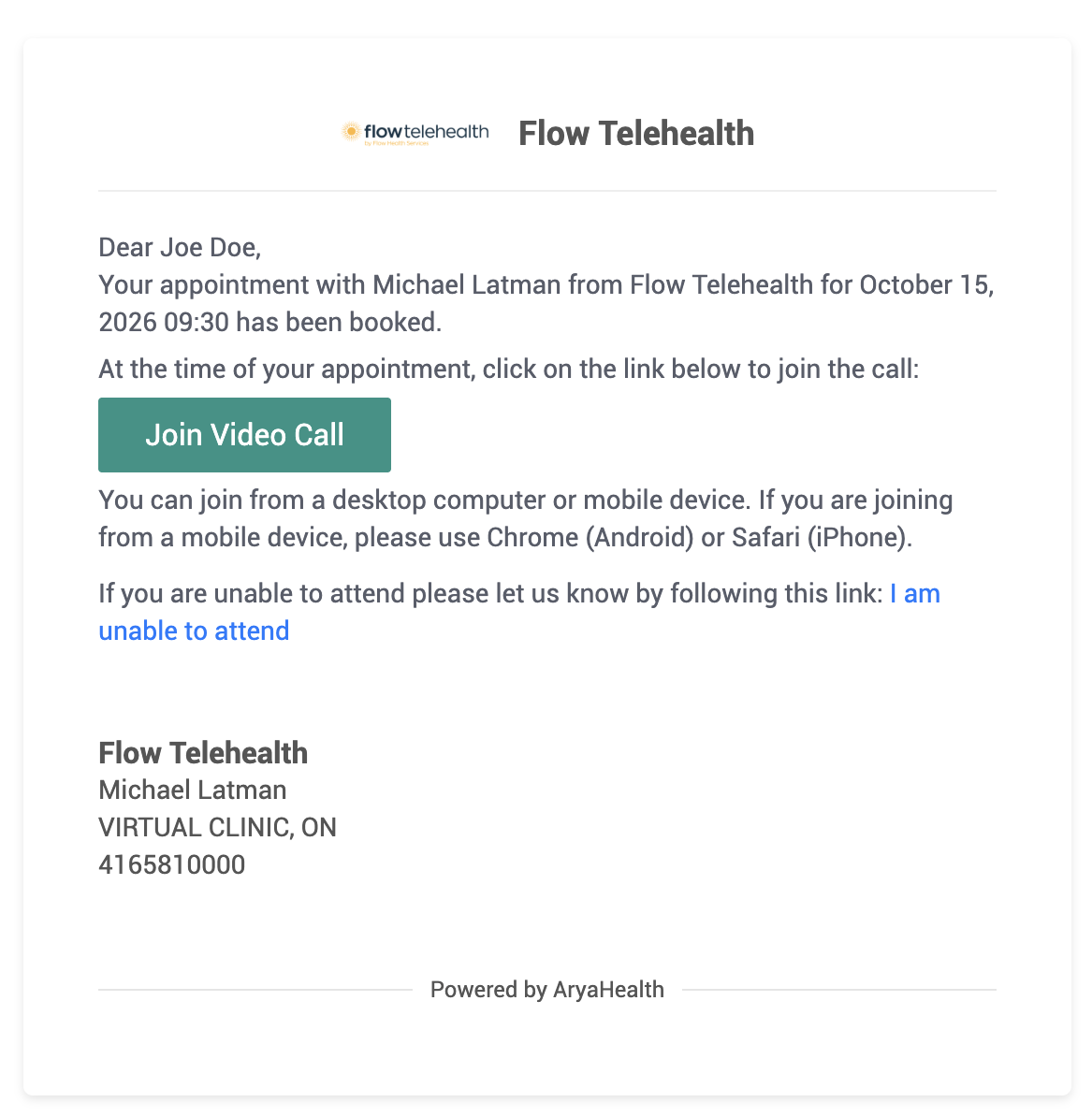
Click “confirm” to complete the booking process. You will get an email confirmation with a secure virtual appointment link.
Step 3: Book an appointment
Once you submit the intake form, you’ll get a confirmation that you have been registered. After that, you can book an appointment right away.
If you do not book an appointment right away, you can always do so later by clicking here.
If booking later, click “Book Appointment” and fill out the Returning Patient Information Form.
Use the same information you entered in the New Patient Intake Form: this confirms that you are registered as a patient with us, which is required to book an appointment.
Step 4: Be online for your appointment.
Click the link in your appointment confirmation email to access your secure virtual appointment. Be online 5 minutes early to ensure that you can access it.
If you are concerned about or experiencing any technical difficulties, we can help you test your link before your appointment. Contact us at [email protected] or 416-581-0000 for assistance.
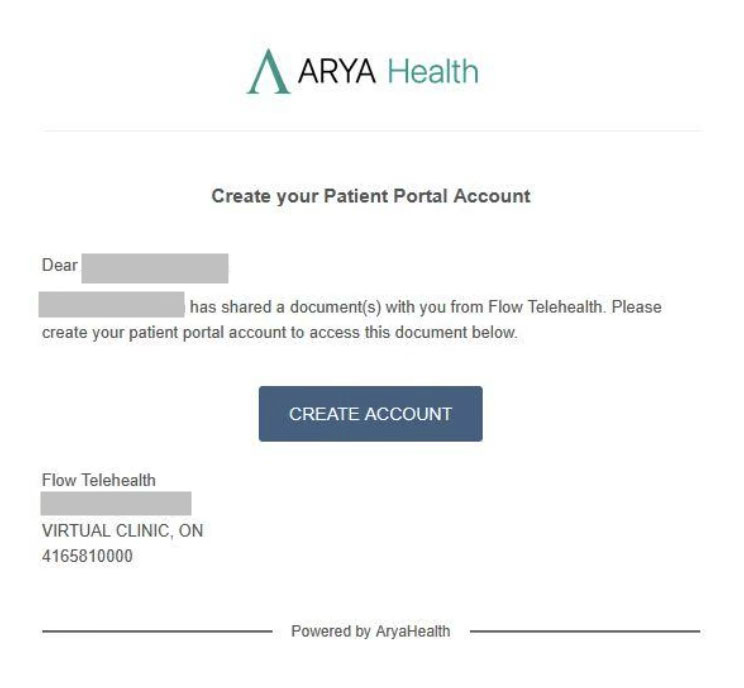
Step 5: When prompted, create a profile in our secure patient portal.
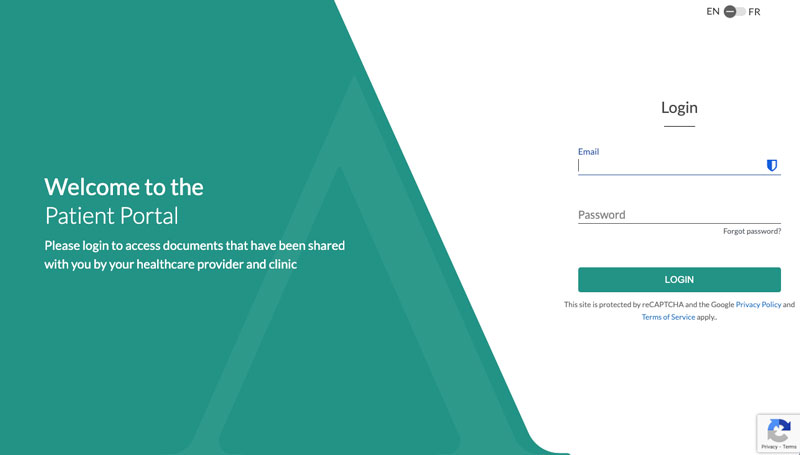
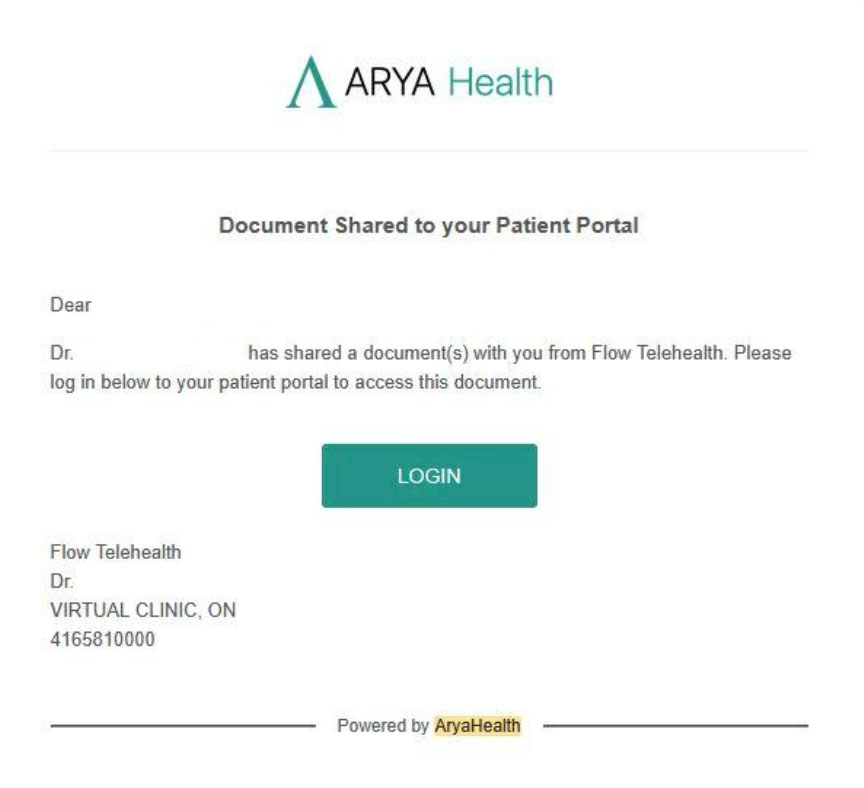
Your patient profile allows you to receive documents and messages from the nurse practitioner after your telehealth appointment. The first time something is added, you’ll receive an email notification and be prompted to create a profile.
After that, you can log in any time using this link (we recommend saving or bookmarking it for future reference):